Gamma vs Beautiful.ai in 2026: Which AI Presentation Tool Is Better Value?
ScoviAI Team5 min read
The short answer
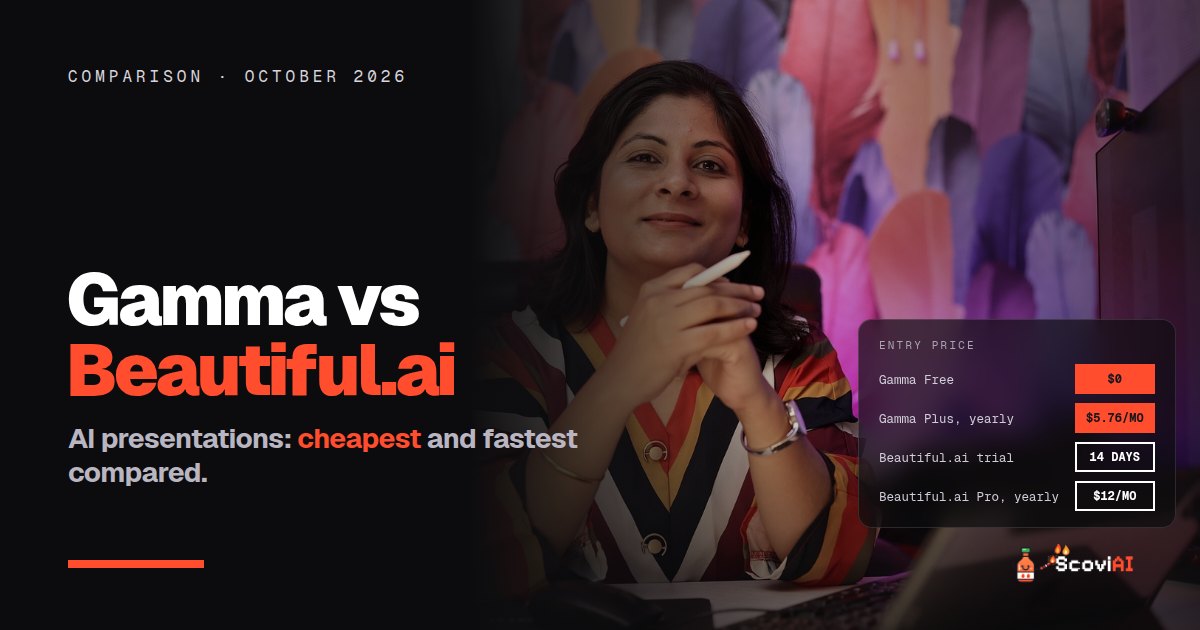
Gamma has a free plan and Plus at $8 a month (about $5.76 billed yearly) and builds a deck from a prompt in about a minute. Beautiful.ai has a 14-day trial and Pro at $12 a month billed yearly, with smart templates that keep slides tidy.Gamma vs Beautiful.ai: both make presentations with AI, but they work differently and are priced differently. Gamma has a free plan and Plus at $8 a month, or about $5.76 a month on yearly billing; it turns a prompt or your notes into a full deck in about a minute. Beautiful.ai has a 14-day free trial and Pro at $12 a month on yearly billing ($144 a year); it uses smart slide templates that keep every slide's design tidy as you edit.
Quick answer: pick Gamma if you want the cheapest way to go from idea to finished deck fast, especially if you start from notes or a document. Pick Beautiful.ai if you build decks slide by slide and want them to look consistently polished with less design work. Try Gamma's free plan and Beautiful.ai's trial before paying.
Gamma vs Beautiful.ai: prices
| Gamma | Beautiful.ai | |
|---|---|---|
| Free option | Free plan with credits | 14-day free trial |
| Entry paid plan | Plus, $8 a month | Pro, $12 a month on yearly billing |
| Entry plan, yearly | About $5.76 a month (28% off) | $144 a year |
| Higher plans | Pro (about $18), Ultra (about $100), Business | Team plans |
| How AI usage works | Monthly AI credits | Included in the plan |
As of October 2026, from Gamma's pricing page and Beautiful.ai's pricing page. Current offers: Gamma Plus yearly and Beautiful.ai Pro yearly.
Over a year: Gamma Plus is about $69 on yearly billing; Beautiful.ai Pro is $144.
How they're different
Gamma starts from text. You describe what you need, or paste notes or a document, and Gamma drafts the structure, text, layout and images in about a minute. Then you edit it like a normal deck and present it or share it by link. It can also make documents and simple websites.
Beautiful.ai starts from slides. Its smart templates rearrange themselves as you add content, so spacing, alignment and layout stay tidy without manual nudging. It's built for people who want control over each slide but don't want to spend time on design.
ADVERTISEMENT
Gamma's plans and credits
Gamma runs on AI credits:
- Plus: 1,000 credits a month, $8 a month or about $5.76 billed yearly.
- Pro (about $18 a month): 4,000 credits, removes Gamma branding, premium image models, decks of up to 100 slides from one prompt, API access and custom domains.
- Ultra (about $100 a month): 20,000 credits for very heavy use.
Credits refill every month, even on yearly plans, and unused plan credits roll over up to double your monthly amount. Our Gamma AI pricing guide explains each plan in detail.
One thing to know: if clients will see your decks, check whether you need Pro to remove Gamma branding. That changes the price comparison with Beautiful.ai.
Beautiful.ai's plans
Beautiful.ai's Pro plan is $12 a month on yearly billing ($144 a year), and you can try it free for 14 days. Team plans add shared templates and brand controls for companies. There's no permanent free plan, so plan your trial around a real presentation you need to make.
Which is better for speed?
Gamma. Going from a prompt or a page of notes to a complete first draft in about a minute is what it's built for. Beautiful.ai is fast at keeping slides tidy, but you still build the deck slide by slide.
Which is better for design control?
Beautiful.ai. Its smart templates keep every slide consistent, which matters for sales decks and client presentations where the design has to look right every time. Gamma's AI drafts look good, but you have less fine control over each slide's layout.
Which is better for students?
Gamma, because of the free plan and the low Plus price. A student making a few presentations a term may never need to pay. Also check Canva for Education, which gives Canva Pro features free to eligible K-12 teachers and students, and our AI student discounts guide.
Which is better for business presentations?
It depends on who builds the decks:
- One person who needs many decks quickly: Gamma Pro, mainly to remove branding and use premium images.
- A team that needs every deck on-brand: Beautiful.ai's team plans, or Gamma's Business plan with 6,000 credits per member.
Other options
- Canva: presentations plus every other kind of design.
- Microsoft 365 Copilot: PowerPoint with Copilot, included in Microsoft 365 Personal at $99.99 a year.
- Pitch: a free plan with unlimited presentations and AI credits.
- Google Slides: free for simple decks.
Gamma vs Beautiful.ai: which should you choose?
- Cheapest option: Gamma Free, then Plus yearly (about $5.76 a month).
- Fastest from notes to deck: Gamma.
- Most consistent, polished slides: Beautiful.ai Pro ($12 a month, yearly).
- Client-facing decks without branding: Gamma Pro or Beautiful.ai Pro.
- Already pay for Microsoft 365: try Copilot in PowerPoint first.
Tips to get more for less
- Use Beautiful.ai's 14-day trial for a real deadline, not a test deck, so you learn whether it saves you time.
- Write a detailed first prompt in Gamma. A clear outline saves credits on regenerations.
- Compare like with like. Gamma's yearly price vs Beautiful.ai's yearly price; don't compare one tool's yearly price with the other's monthly price.
- Don't pay for Pro just for credits. In Gamma, check whether buying extra credits on Plus is cheaper.
Real-world examples: Gamma or Beautiful.ai?
- A student with a class presentation due tomorrow: Gamma's free plan. Paste your notes, generate a draft and spend your time on the content instead of the layout.
- A founder sending a pitch deck to investors: Gamma Pro if you want to remove branding and generate quickly, or Beautiful.ai Pro if you'll refine every slide's design yourself.
- A sales team sending the same deck to many clients: Beautiful.ai's team plans or Gamma's Business plan, so every deck stays on-brand.
- A teacher preparing lessons every week: Gamma Plus on yearly billing is the cheapest steady option; also check Canva for Education first.
- A consultant who already pays for Microsoft 365: try Copilot in PowerPoint before adding another subscription.
How we compared Gamma and Beautiful.ai
We used only the prices published on each company's own pricing and help pages, in US dollars, for one person, as of October 2026. "About" prices are the ones Gamma lists for Pro and Ultra, which can vary slightly in your account. We compared yearly prices with yearly prices, because that's how most people end up paying, and we didn't count limited-time coupons, which change weekly.
Before you subscribe
Make one real presentation in each tool first. The one that gets you to a deck you'd actually present with fewer edits is the right one, whatever the price difference.
Bottom line
Gamma wins on price and speed: free to start, about $5.76 a month on yearly Plus, and a full draft in a minute. Beautiful.ai wins on design consistency for people who build decks slide by slide, at $12 a month on yearly billing. More presentation and productivity tools are on our productivity deals page.
Sources: Gamma pricing; How do credits work in Gamma?; Beautiful.ai pricing; checked in October 2026.
ADVERTISEMENT
Frequently asked questions
›Is Gamma cheaper than Beautiful.ai?
Yes. Gamma Plus costs $8 a month or about $5.76 a month on yearly billing, and Gamma has a free plan. Beautiful.ai Pro costs $12 a month on yearly billing and offers a 14-day free trial.
›Does Beautiful.ai have a free plan?
Beautiful.ai offers a 14-day free trial rather than a permanent free plan.
›Which is faster, Gamma or Beautiful.ai?
Gamma, which drafts a full presentation from a prompt or your notes in about a minute.
›Which Gamma plan removes Gamma branding?
Gamma Pro, according to Gamma's own guide, along with premium image models and API access.
›Which is better for consistent, on-brand slides?
Beautiful.ai, whose smart templates keep spacing and layout consistent as you edit.
Written by the ScoviAI team. We check prices on each seller's own pricing page and update our guides when plans change. Some links may be affiliate links; they never change our verdicts. How we work
Live deals for the tools in this guide
Office 365 Education is free for students (with Copilot Chat)
Microsoft 365 Copilot · Productivity ·
Microsoft 365 Premium: $199.99/year instead of $19.99 a month
Microsoft 365 Copilot · Productivity ·
Microsoft 365 Personal with Copilot: $99.99/year vs $9.99 monthly
Microsoft 365 Copilot · Productivity ·