Free AI Tools for Teachers in 2026: 13 Tools and Paid Plans You Can Get for $0
ScoviAI TeamUpdated 6 min read
The short answer
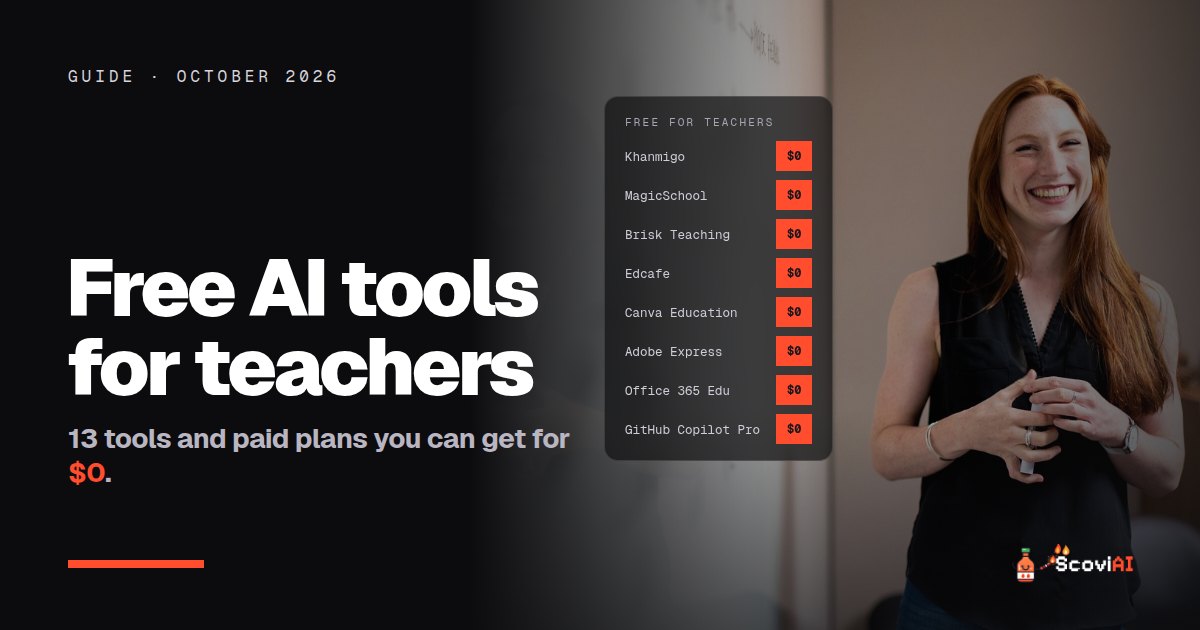
Khanmigo for Teachers is free for every US teacher, MagicSchool and Brisk have free plans for educators, Gemini in Classroom is free with Google Workspace for Education, and Canva Education is free for K-12. GitHub Copilot Pro, Notion Plus and Coda Pro are free for verified teachers.The best free AI tools for teachers in 2026 are Khanmigo for Teachers (free for every US teacher), MagicSchool (80+ tools, free forever plan), Brisk Teaching (free AI in Google Docs and Chrome), Gemini in Classroom (free with Google Workspace for Education) and Canva Education (free for K-12). Teachers can also get paid tools for free: GitHub Copilot Pro, Notion Plus and Coda Pro all cost nothing for verified educators.
Quick answer: start with Khanmigo or MagicSchool for lesson plans and rubrics, add Brisk if you live in Google Docs, and check whether your school already has Gemini or Microsoft Copilot Chat turned on. All of them are free.
Free AI tools for teachers, compared
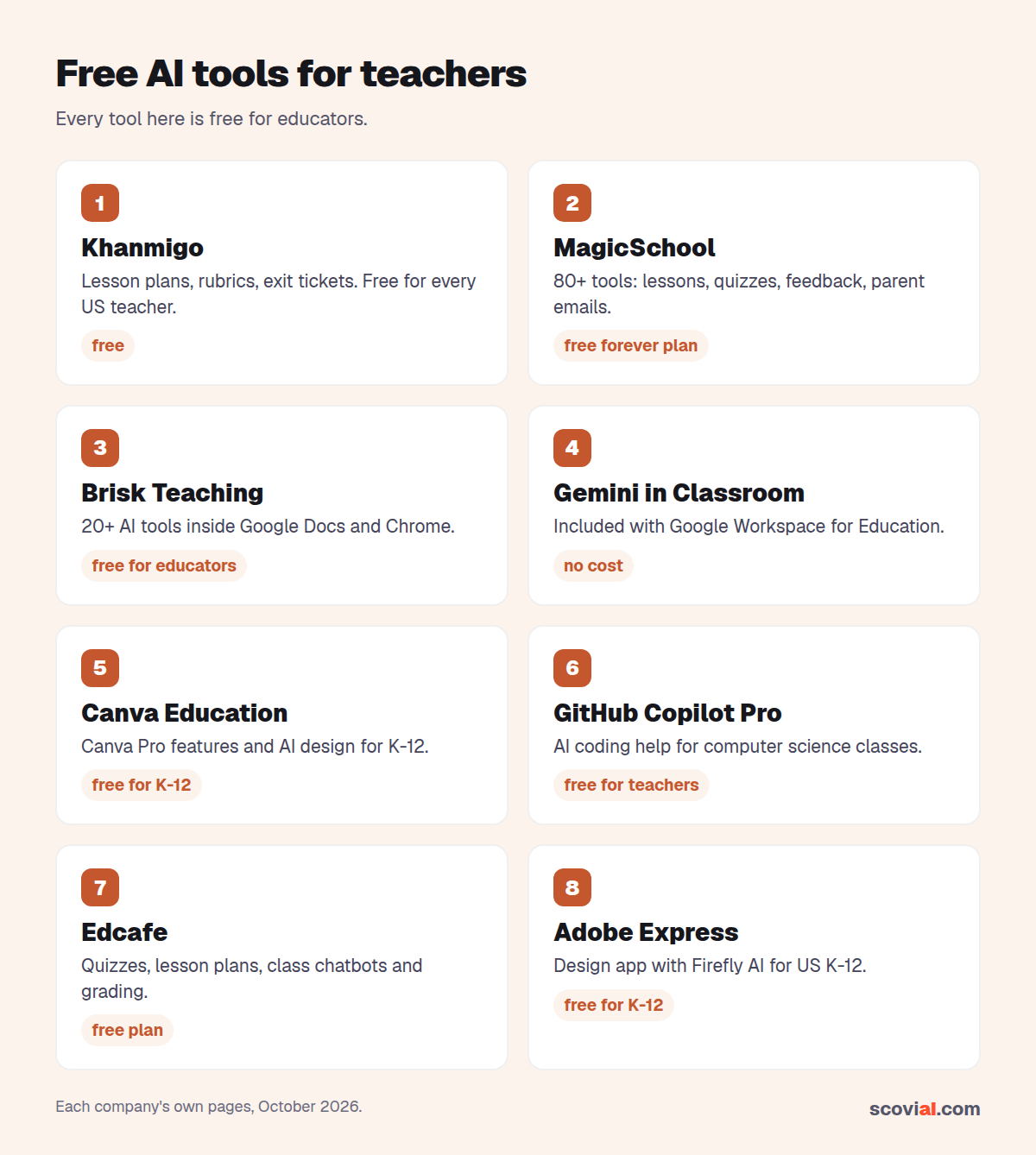
| Tool | What it does | Who gets it free |
|---|---|---|
| Khanmigo for Teachers | Lesson plans, rubrics, exit tickets, summaries of student work | Every US teacher |
| MagicSchool | 80+ tools for lessons, quizzes, feedback, parent emails | Individual teachers, free plan |
| Brisk Teaching | 20+ AI tools inside Google Docs and Chrome | Educators |
| Edcafe | Quizzes, lesson plans, flashcards, custom AI chatbots, assignment grading | Teachers, free plan (100 AI generations a month) |
| Gemini in Classroom | AI help inside Google Classroom | Educators with Workspace for Education |
| Canva Education | Canva Pro features, AI design tools | K-12 teachers and students |
| Adobe Express for Education | Design app with Firefly AI features | US K-12 teachers and students |
| Office 365 Education | Web Office apps plus Copilot Chat | Students and educators |
| GitHub Copilot Pro | AI coding assistant | Teachers verified by GitHub Education |
All free as of October 2026. Some tools also have paid upgrades; the free versions below are enough for most classrooms.
Khanmigo for Teachers: free for every US teacher
Khanmigo is Khan Academy's AI assistant. Its teacher tools help you plan standards-aligned lessons, write rubrics, exit tickets and learning objectives, and summarize student work. Thanks to support from Microsoft, Khanmigo for Teachers is free for every US teacher; you sign up on the Khanmigo website. (For learners and parents, Khanmigo costs $4 a month.)
Best for: planning lessons quickly with a tool built by an education nonprofit.
ADVERTISEMENT
MagicSchool: 80+ AI tools, free forever
MagicSchool packs more than 80 tools for educators: lesson plans, quizzes, differentiation, feedback and parent emails, plus a chatbot called Raina. The Free plan is free forever for individual teachers, with standard usage limits. If you hit them, MagicSchool Plus costs $8.33 a month billed annually ($12.99 monthly).
Best for: teachers who want one toolbox for almost every task.
Brisk Teaching: AI inside Google Docs
Brisk is a Chrome and Edge extension and web app with 20+ AI tools: quiz maker, lesson plans, rubrics and feedback on student writing. It works where you already grade, inside Google Docs, and it's free for educators. Brisk Educator Pro adds extra tools for those who want more.
Best for: giving feedback on essays without leaving Google Docs.
Edcafe: AI quizzes, chatbots and grading, free plan
Edcafe is an AI toolkit built for teachers: it creates quizzes, lesson plans and flashcards, lets you set up custom AI chatbots for your class and helps grade assignments. The Free plan costs $0 and stays free, with 100 AI generations a month, 3 custom chatbots, 3 assignment graders and up to 40 participants per quiz, chatbot or grader, which is enough for one class. If you need more, Pro is $7.99 a month billed annually (1,000 generations, 200 participants) and Premium is $14.99 a month billed annually (unlimited generations, plus extras for schools).
Best for: quick quizzes and an AI chatbot your students can practice with.
Gemini and Gemini in Classroom: free with Google Workspace
If your school uses Google Workspace for Education, you may already have Google's AI. The Gemini app and Gemini Notebook (Google's tool for working with your own sources) are included in every Workspace for Education edition at no cost, with data protections for schools, and Gemini in Classroom is free for educators. Schools that don't use Workspace can still get Gemini Notebook free through Google for Education Fundamentals.
Best for: schools already on Google. Ask your IT team whether it's switched on.
Microsoft Copilot Chat: free with Office 365 Education
On the Microsoft side, Office 365 Education is free for students and educators with a school email and includes web versions of Word, Excel, PowerPoint and OneNote, Microsoft Teams and Microsoft 365 Copilot Chat, Microsoft's AI assistant with protections for school accounts.
Best for: schools that run on Microsoft.
Canva and Adobe Express: free AI design for K-12
- Canva Education is free for K-12 teachers, librarians and their students, with most Canva Pro features, including AI design tools, plus classroom features like LMS integrations.
- Adobe Express for Education is free for US K-12 teachers, students, schools and districts, with Firefly-powered AI features, premium assets, safe search and no ads.
Best for: slides, posters, worksheets and student projects.
Paid AI tools that are free for teachers
Several paid plans are free if you can prove you teach:
- GitHub Copilot Pro (normally $10 a month) is free for teachers verified through GitHub Education, which is ideal for computer science classes.
- Notion Plus is free for educators with a school email on a one-member workspace. See our Notion student discount guide; the same plan works for teachers.
- Coda Pro is free for one Doc Maker for as long as you teach (a $120 value), or 80% off for teams.
- Perplexity Education Pro costs $10 a month instead of $20 for verified educators; our Perplexity Pro discount guide explains how.
- Base44, an AI app builder, gives teachers and school staff 50% off for a year.
How to choose AI tools for your classroom
- Check what your school already pays for. Gemini or Copilot Chat may already be included in your school's accounts, with the right privacy settings.
- Start with one planning tool. Khanmigo or MagicSchool covers most daily tasks.
- Check student data rules. Use school-approved tools with student information, and keep personal data out of consumer chatbots.
- Review everything. AI drafts are a starting point. Check facts, reading level and fairness before using them in class.
- Teach with it, not just for it. Showing students how you check AI output is a lesson in itself.
A simple weekly workflow with free AI tools
- Monday, planning: draft the week's lesson plans and objectives in Khanmigo or MagicSchool, then edit them to fit your class.
- Tuesday, materials: turn the plan into slides or a worksheet in Canva Education or Adobe Express.
- Wednesday, practice: generate a short quiz or exit ticket with MagicSchool, Brisk or Edcafe, and check every answer.
- Thursday, feedback: use Brisk inside Google Docs to draft comments on student writing, then personalize them.
- Friday, communication: draft a parent update with your school's Gemini or Copilot Chat account, keeping student names out of consumer tools.
The time saved adds up quickly, and none of these steps costs anything.
A quick privacy checklist for teachers
- Use tools your school or district has approved whenever student data is involved.
- Keep student names, grades and personal details out of consumer chatbots.
- Prefer school accounts (Google Workspace for Education or Office 365 Education), which come with education data protections.
- Read each tool's privacy page before introducing it to students.
Bottom line
You can build a strong AI toolkit for your classroom without spending money: Khanmigo or MagicSchool for planning, Brisk for feedback, Edcafe for quick quizzes and class chatbots, Canva for visuals, and Gemini or Copilot Chat from your school account. Then claim the free educator plans for Notion, Coda and GitHub Copilot if you use them.
We keep every verified offer for educators and students in our AI student discounts guide and on the Khanmigo, MagicSchool and Brisk tool pages.
Sources: Khanmigo pricing; MagicSchool; Brisk Teaching; Edcafe pricing; Gemini for Education; Office 365 Education; Canva Education; Copilot Pro for teachers; Coda education discounts; checked in October 2026.
ADVERTISEMENT
Frequently asked questions
›What is the best free AI tool for teachers?
For lesson planning, Khanmigo for Teachers (free for every US teacher) and MagicSchool (free forever plan with 80+ tools) are the strongest. For feedback inside Google Docs, Brisk Teaching is free for educators.
›Is Khanmigo free for teachers?
Yes. Thanks to support from Microsoft, Khanmigo for Teachers is free for every US teacher. Learners and parents pay $4 a month.
›Do teachers get Gemini for free?
Schools on Google Workspace for Education get the Gemini app and Gemini Notebook in every edition at no cost, and Gemini in Classroom is free for educators.
›Is GitHub Copilot free for teachers?
Yes. Copilot Pro, normally $10 a month, is free for teachers verified through GitHub Education.
›Is it safe to use AI tools with student data?
Use tools your school has approved and school accounts with education data protections. Keep student names and personal details out of consumer chatbots.
Written by the ScoviAI team. We check prices on each seller's own pricing page and update our guides when plans change. Some links may be affiliate links; they never change our verdicts. How we work
Live deals for the tools in this guide
Office 365 Education is free for students (with Copilot Chat)
Microsoft 365 Copilot · Productivity ·
Microsoft 365 Premium: $199.99/year instead of $19.99 a month
Microsoft 365 Copilot · Productivity ·
GitHub Copilot Pro is free for verified teachers and OSS maintainers
GitHub Copilot · Coding ·